

How to Add and Manage Companies on the Akkad Platform
04/11/2026
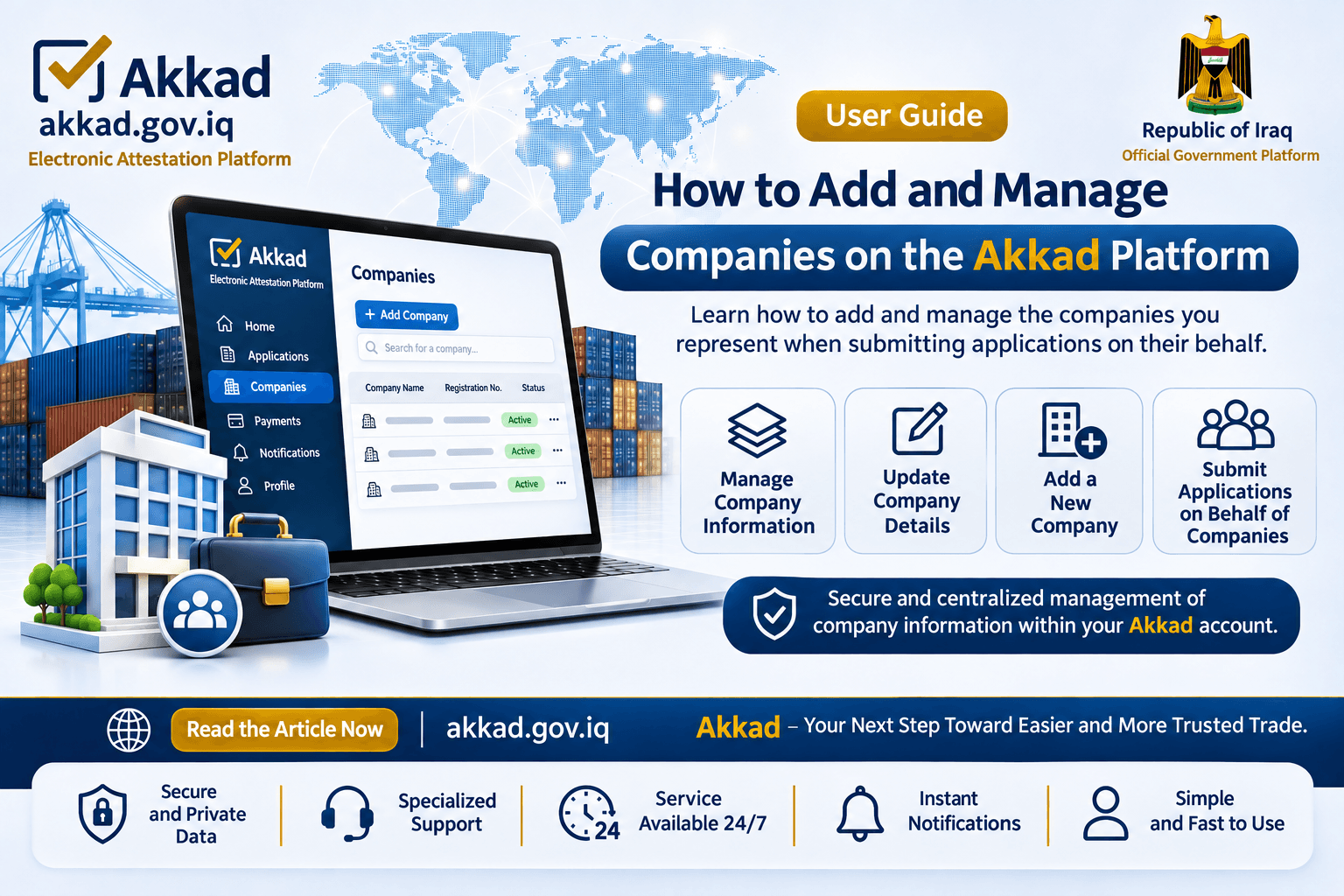
The Akkad Electonic Attestation Platform allows users to easily add and manage companies on whose behalf they wish to submit electronic attestation requests, all through a single personal account, without the need to create a separate account for each company.
This service is designed to simplify company information management and streamline the submission of attestation requests for Certificates of Origin and Commercial Invoices, providing a more convenient and efficient digital experience.
Why Do You Need to Add Companies?
Before submitting an electronic attestation request, applicants must add the company they wish to represent to their account on the Akkad Platform.
Users can add multiple companies to their accounts, allowing them to select the appropriate company when creating each new attestation request.
How to Add and Manage Companies
Adding and managing companies on the Akkad Platform is a simple process that can be completed by following these steps:
1. Sign In: Log in to the Akkad Platform using your previously registered personal account.
2. Access Company Management: From the main navigation menu, select My Companies to access the list of companies associated with your account.
3. Add a New Company: Click Add Company, then enter the required company information in the designated fields.
4. Save Company Information: After verifying that all required information is accurate and complete, save the company to add it to your account's company list.
5. Manage Your Companies: You can return to the My Companies section at any time to view your registered companies, review their details, and update information where editing is permitted.
6. Submit an Application on Behalf of a Company: When creating a new attestation request, select the relevant company from the list associated with your account, then proceed with the application process.
Video Tutorial: How to Add and Manage Companies
To help you understand the process, the following video provides a detailed, step-by-step demonstration of how to add companies and manage their information on the Akkad Platform.
The tutorial also explains how to select the company you wish to represent when submitting electronic attestation requests.
Important Notice Your Akkad account must be created using your personal information as the applicant, not your company's information. Once your personal account has been created, you can add one or more companies on whose behalf you intend to submit attestation requests and manage their information through your account. Please ensure that all company information is accurate and up to date before submitting any application to avoid potential delays during the review and attestation process. Akkad - Your Next Step Towards Easier and Safer Trade.